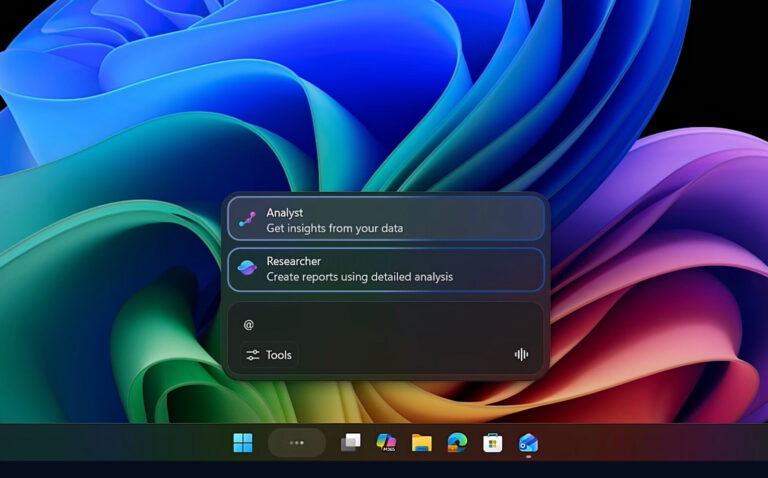
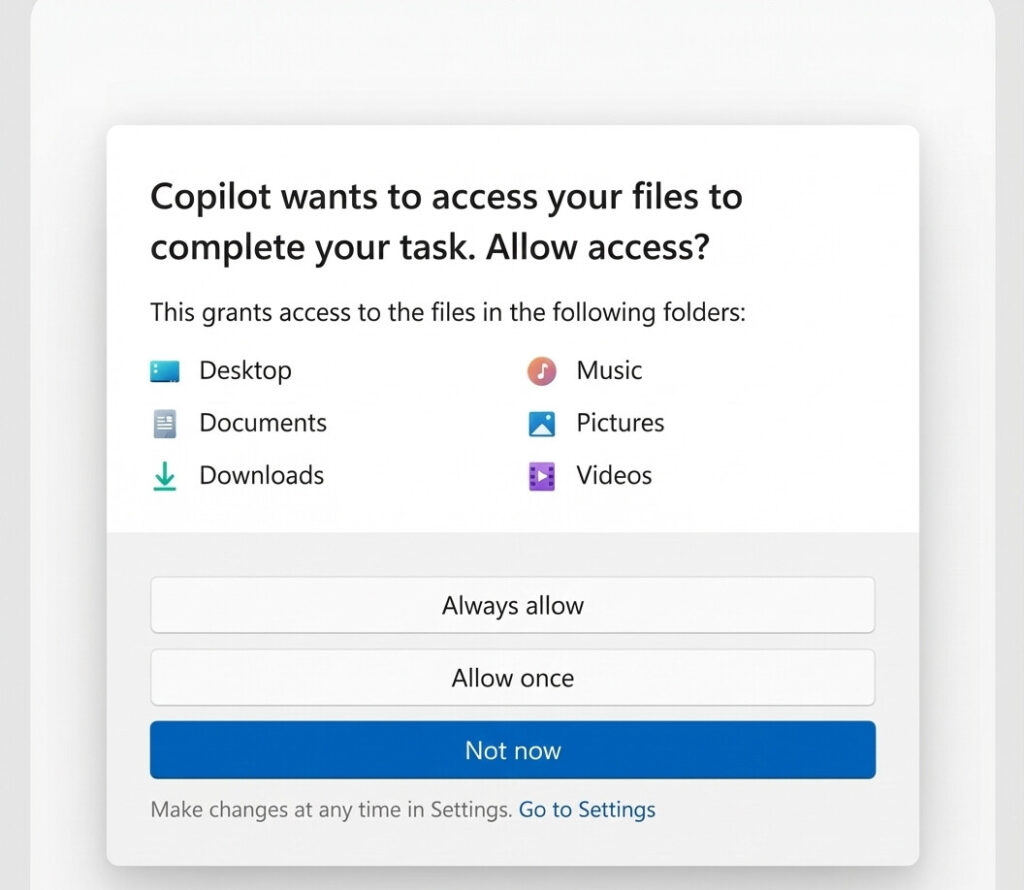
Microsoft has rolled out a new consent system in Windows 11 to prevent AI agents from dipping into your personal files without your explicit approval. The update targets experimental preview builds and protects six key folders by default: Desktop, Documents, Downloads, Music, Pictures, and Videos. Each AI agent must request access separately, ensuring that standard setups stay untouched unless you opt in and greenlight specific tools.
How the Permission System Works
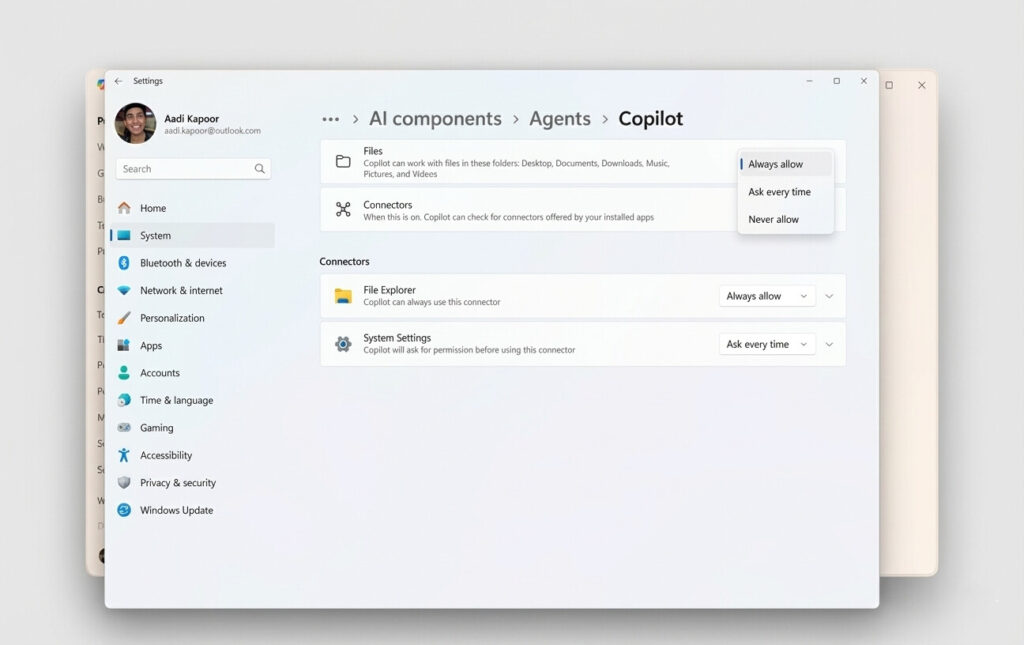
The setup operates on a per-agent basis—if you approve one AI tool, it doesn’t grant blanket access to others. When an agent attempts to reach your files, Windows pops up a consent prompt where you can choose to allow it always, ask every time, or deny it outright. You can tweak these settings later in each agent’s dedicated portal. Microsoft is also testing separate connectors for apps like File Explorer and Settings, letting you permit system tweaks while keeping personal docs locked down.
Security Risks to Consider
Microsoft warns that AI agents can hallucinate or make errors, but the real concern lies in security threats like cross-prompt injection attacks. These involve hiding malicious commands in documents, potentially leading agents to install malware or leak sensitive info. Before enabling these features, weigh the risks—especially if you’re handling personal or work data on your PC.
This move comes amid backlash over AI privacy in Windows 11, aiming to give users more control in an increasingly AI-driven ecosystem. For PC users experimenting with AI, it’s a step toward safer integration.
What do you think—smart safeguard or still too risky? Let us know in the comments, and follow PCrunner for the latest on Windows updates and AI developments.
Source: Windows Latest