Image credit: Microsoft
Microsoft is finally giving Windows 11 users more control over updates. In the latest Insider preview, the company has introduced several welcome changes to how updates are handled.
Skip Updates During Setup
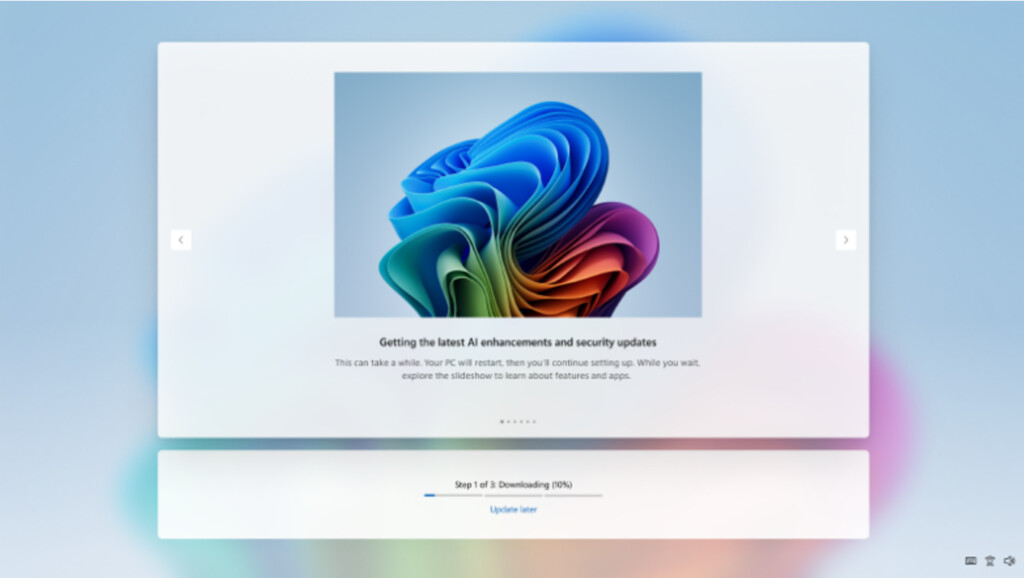
During the initial setup (OOBE), you can now choose to skip Windows updates entirely and finish setting up your PC first. Previously, new installations often forced users to download and install months of updates before they could even start using the device. This change makes the setup process much faster and less frustrating, especially for people who want to get their new PC running quickly and update later at their own pace.
Pause Updates for Up to 35 Days (or Longer)
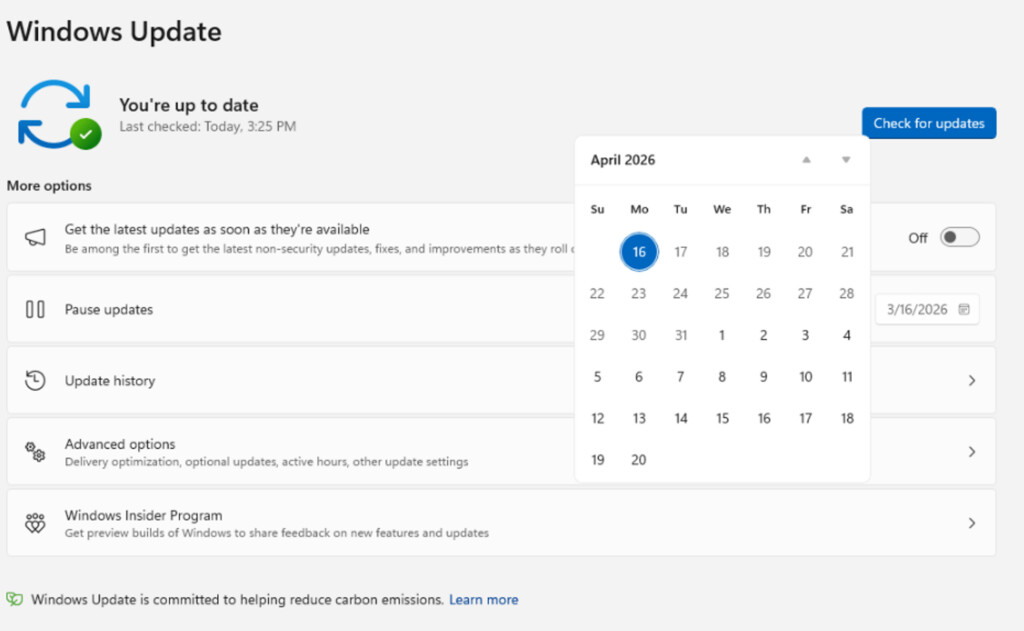
You can now pause updates for 35 days directly from Settings. Once the 35 days are up, you can simply pause them again for another 35 days — with no limit on how many times you can do this. This effectively allows users to pause updates indefinitely if they choose. It’s especially useful when a new feature update drops and you want to wait for early bugs to be fixed before installing.
Shutdown & Restart Without Forced Updates
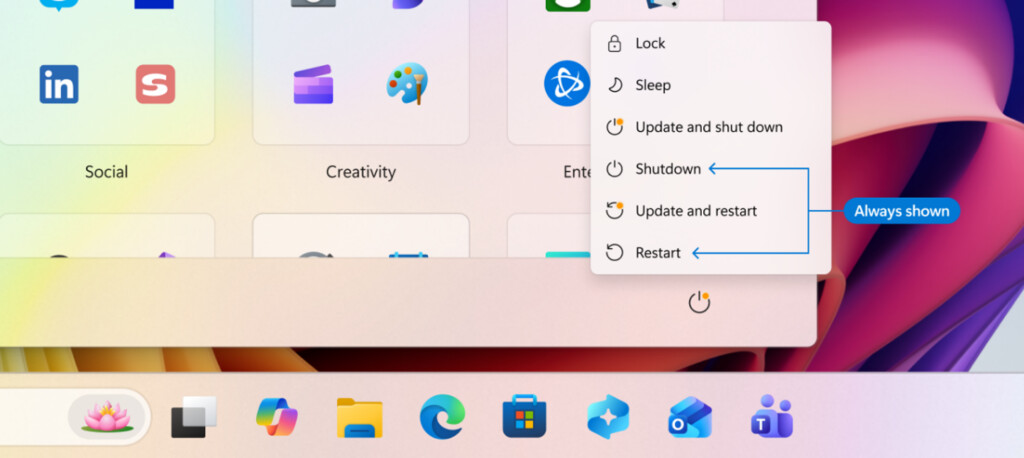
Microsoft is also fixing a long-standing annoyance: the power menu will now always show the normal Shutdown and Restart options, even when updates are pending. Previously, you were often forced to choose “Update and Shut Down” or “Update and Restart.” Now you can restart or shut down without being forced to install updates immediately.
More Transparency for Drivers
Microsoft has also promised to improve how driver updates are described, providing clearer information about what each driver update actually changes.
These changes should make the Windows 11 update experience much more user-friendly and less intrusive.
Summary Microsoft is rolling out better update controls in Windows 11, including the ability to skip updates during initial setup, pause updates for 35 days (repeatable indefinitely), always show normal Shutdown/Restart options, and provide clearer driver update info.
Sources: Windows Insider Preview builds (Dev/Beta channels), official Microsoft announcements, and reports from Windows Central.
What do you think about these update improvements? I’d love to hear your thoughts!