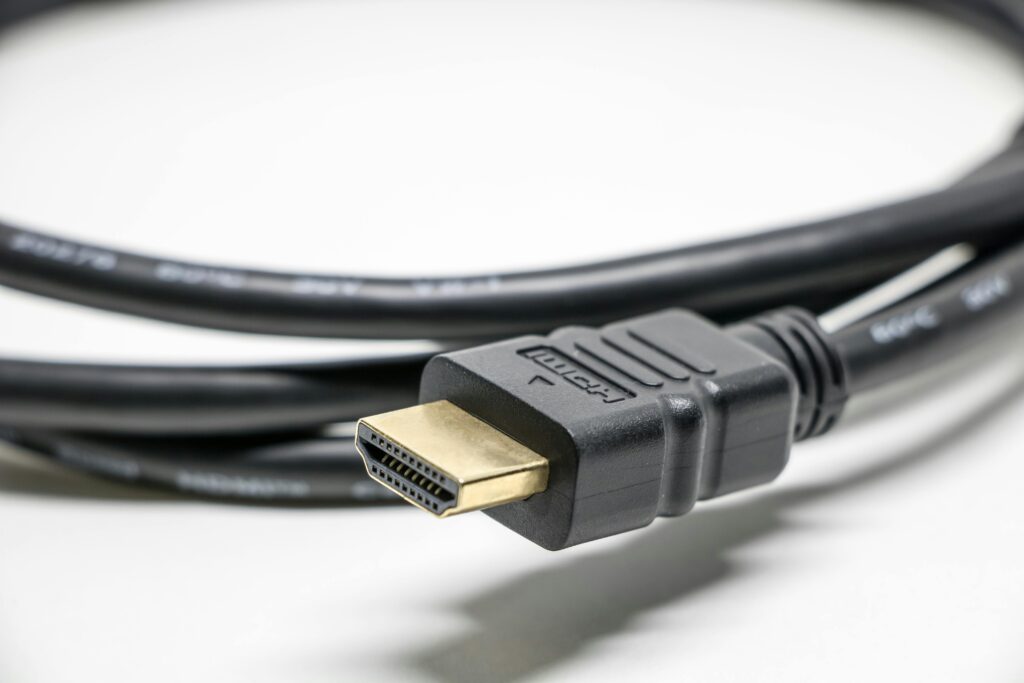
If you’ve just unboxed a shiny new 4K TV or monitor, don’t grab that dusty HDMI cable from your drawer—it might not cut it for modern features like high refresh rates, HDR, or VRR. As your query highlights, HDMI cables look identical on the outside, but their internals have evolved massively since 2010. An old cable can plug in just fine (thanks to backward compatibility), but it won’t deliver the bandwidth for 4K at 120Hz or beyond, leading to flickers, lower res, or disabled features. With HDMI 2.2 now standard in 2026 (per latest specs from HDMI.org and CNET), sticking with outdated cables is like throttling your setup. Let’s break it down with advice tailored for PC users hooking up to TVs for gaming or media.
Why Old Cables Fail New Setups
- Bandwidth Bottlenecks: Early HDMI (e.g., 1.4) tops out at 4K30Hz—fine for movies but lousy for PC gaming at 60Hz+ or consoles like PS5/Xbox Series X pushing 120Hz.
- Feature Gaps: No support for VRR (reduces tearing), ALLM (auto low-latency), or eARC (enhanced audio).
- Common Symptoms: Can’t hit advertised res/refresh, flickering, black screens, poor audio, or HDR not activating. If it works at lower settings but fails at max, blame the cable.
- Retail Tricks: Terms like “4K ready” are vague—always check for official badges on packaging or the HDMI.org site.
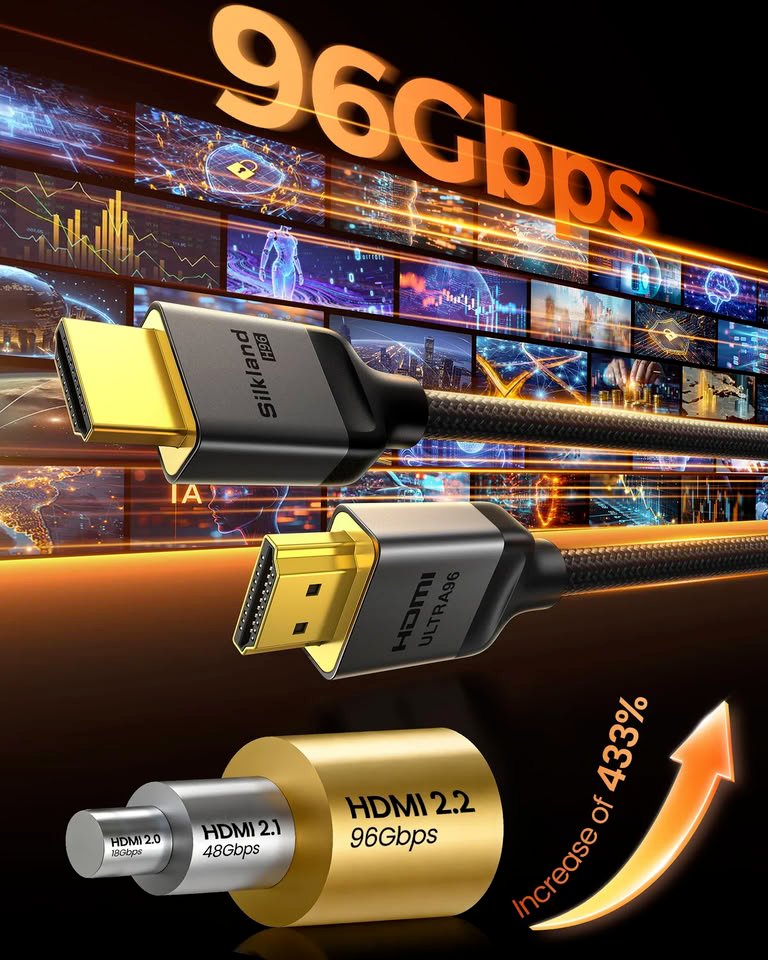
From my web search on 2026 standards, HDMI 2.2’s Ultra96 cables unlock wild specs like 4K480Hz or 8K240Hz, but even for standard 4K120, you need at least Ultra High Speed.
How to Identify and Upgrade Your HDMI Cable
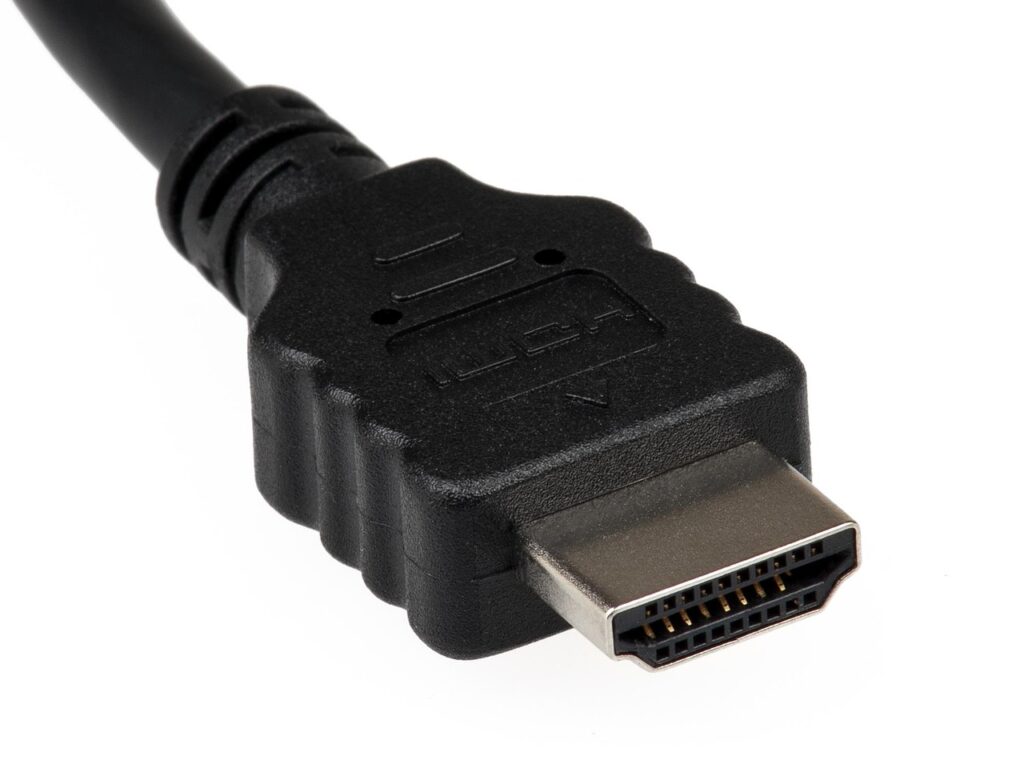
Check the sleeve or connector for imprints like “Ultra High Speed.” If nothing, assume it’s old. Test by dropping res/refresh in your TV/PC settings—if it stabilizes, upgrade. For lengths over 10ft, opt for certified ones to avoid signal drop.
Recommendations for PC-to-TV setups:
- Budget Pick: Premium High Speed (e.g., Cable Matters certified) for 4K60Hz/HDR—under $10 for 6ft.
- Mid-Range: Ultra High Speed for 4K120/8K—$15-20, essential for gaming rigs.
- Future-Proof: Ultra96 for HDMI 2.2 (96Gbps)—$20+, supports uncompressed 4K240/8K120 if your GPU/TV can handle it.
Buy from trusted spots like Amazon or Best Buy; look for HDMI Licensing badges.
Summary of HDMI Cable Types (2026 Standards)
| Cable Type | Bandwidth | Key Capabilities | Best For |
|---|---|---|---|
| High Speed | 10.2Gbps | 1080p full, 4K30Hz | Basic HD setups, old TVs |
| Premium High Speed | 18Gbps | 4K60Hz, HDR, 4:4:4 chroma | Standard 4K movies/TV, entry gaming |
| Ultra High Speed | 48Gbps | 4K120Hz, 8K60Hz, VRR, eARC, ALLM | Modern gaming PCs/consoles, 120Hz TVs |
| Ultra96 (HDMI 2.2) | 96Gbps | 4K240/480Hz, 8K240Hz, 12K120Hz, uncompressed chroma | High-end PCs, future-proof 8K/12K setups |
Pro Tip: For PC gamers, pair with a GPU like RTX 50-series that supports HDMI 2.1/2.2 outputs. If wall-mounted cables are the issue, consider HDMI extenders or fiber optics for long runs.